
Intro
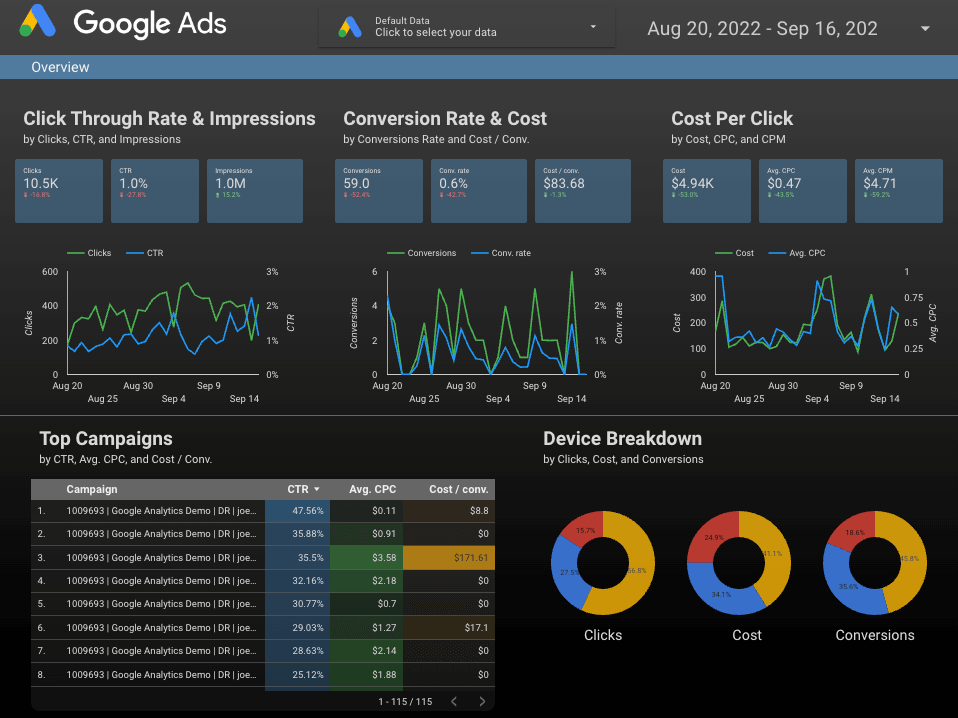
Collaboration is not just a buzzword: it’s a necessity for success. Google Data Studio emerges as a vital tool for agencies, fostering teamwork and seamless integration in report creation and data visualization. Google Data Studio transforms how teams work together by replacing traditional barriers with real-time editing, sharing options, version history tracking, and more. From data connectors that bridge various platforms to shared templates that ensure consistency, these features are designed to align with the dynamic needs of agencies. Whether working on the same dashboard simultaneously or maintaining a clear audit trail of changes, Google Data Studio’s collaboration capabilities offer a streamlined approach that resonates with the collaborative spirit of the modern agency landscape. Explore the following sections to uncover how these tools can elevate your agency’s reporting and analytics processes.
Sharing
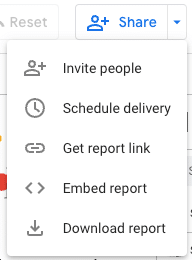
Google Data Studio offers versatile sharing capabilities that enable users to collaborate on reports and dashboards easily. Through its sharing features, users can grant access to team members, stakeholders, or clients by sending email invitations or creating shareable links. The permissions can be tailored to provide either view-only access or full editing rights, depending on the needs of the collaboration. This flexibility in sharing allows for real-time collaboration and ensures that the right individuals can access the data.
Version history
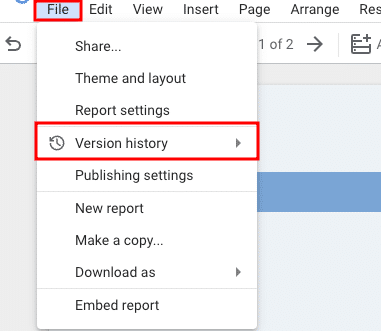
Google Data Studio’s version history feature adds another layer of sophistication to its collaborative capabilities. This functionality allows users to track changes made to a report over time, see who made those changes, and even revert to previous versions if necessary. It’s an invaluable tool for teams working collaboratively on complex reports, as it ensures that all modifications are documented and can be reviewed. The version history provides a clear audit trail, enhancing accountability and transparency within the team. It also offers the flexibility to experiment with different data visualizations or layouts, knowing that previous versions can be easily restored.
Edit mode
Google Data Studio allows multiple users to work on the same dashboard in real-time. This capability enables seamless collaboration, as changes made by one user are instantly visible to others working on the same document. Team members can simultaneously edit, add, or modify elements within the dashboard, fostering a dynamic and interactive working experience. This real-time collaboration feature ensures everyone has the most up-to-date dashboard view, facilitating efficient teamwork and alignment on data-driven projects.

Data connectors
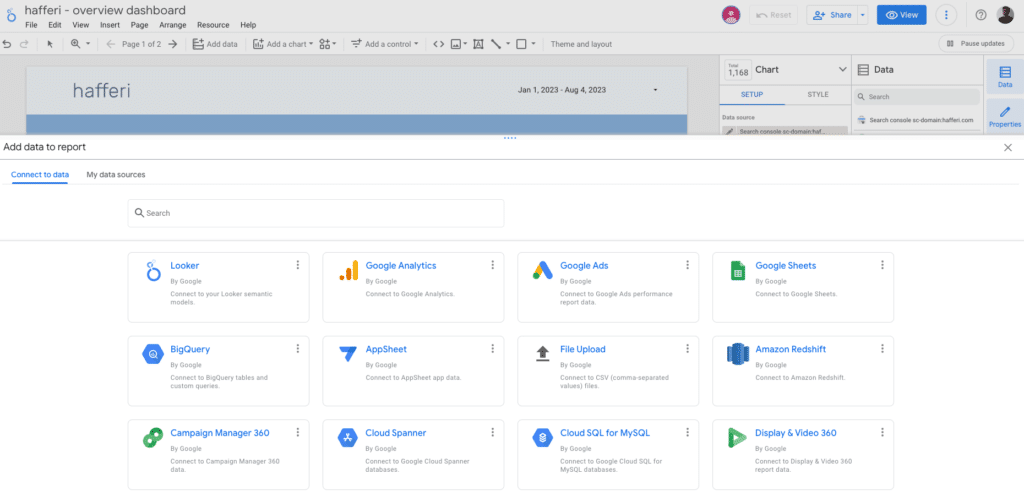
Data connectors in Google Data Studio bridge the platform and various data sources, allowing users to pull information directly into their reports and dashboards. These connectors can link to various data sources, including spreadsheets, databases, social media platforms, advertising services, etc. Using data connectors, users can create real-time visualizations and analyses reflecting the most current data. Google Data Studio offers built-in connectors for popular services like Google Analytics, Google Ads, and Google Sheets, as well as the ability to create custom connectors through APIs for more specialized needs. This flexibility in connecting to different data sources streamlines the process of gathering and visualizing data, making it an essential feature for anyone looking to create comprehensive and up-to-date reports and dashboards.
Shared templates/template gallery
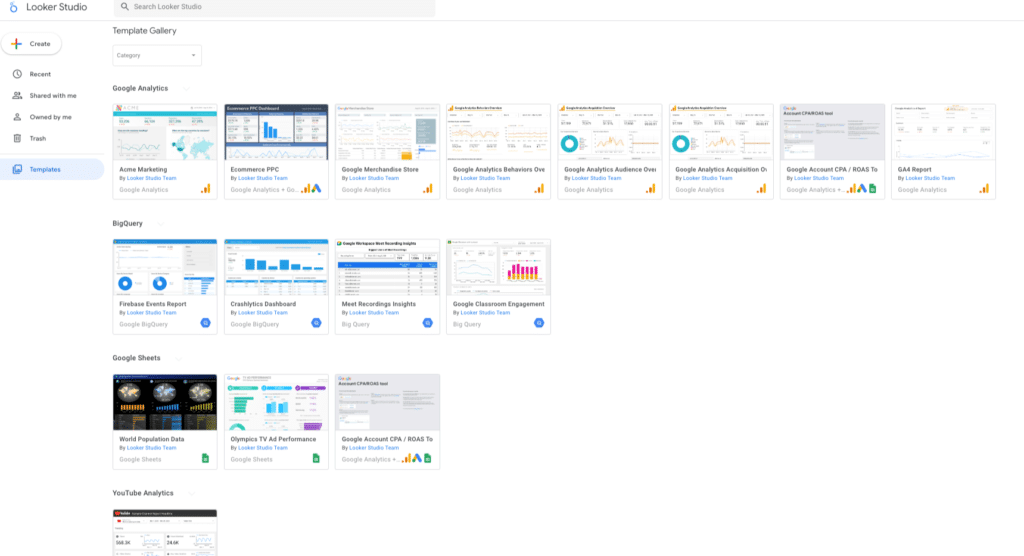
Shared templates in Google Data Studio allow users to create and share standardized report layouts and designs within their organization or community. These templates can include specific visualizations, formatting, and data connectors, allowing for a consistent and efficient approach to reporting.
By using shared templates, team members can quickly start new reports based on proven designs, ensuring that reports adhere to organizational standards or specific project requirements. This saves time and promotes consistency across different reports and dashboards.
And you? Need help building your Looker Studio templates? Contact me.